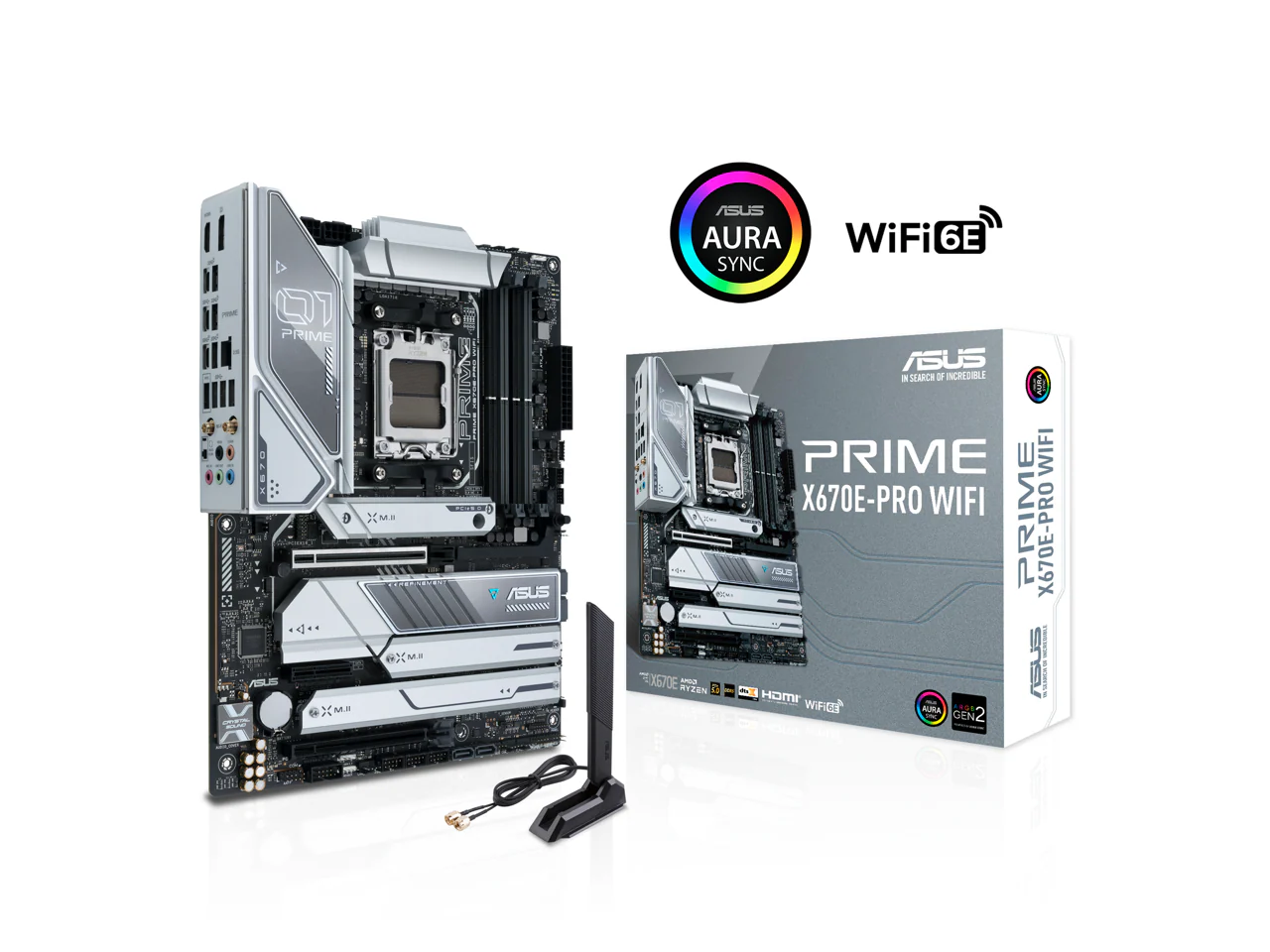

ASUS Prime X670-P Socket AM5 (LGA 1718) Ryzen 7000 ATX Motherboard(DDR5, 3xM.2 Slots, USB 3.2 Gen 2x2 Type-C, USB4 Header, and 2.5Gb Ethernet) (Certified Refurbished)
ASUS Prime X670-P Socket AM5 (LGA 1718) Ryzen 7000 ATX Motherboard(DDR5, 3xM.2 Slots, USB 3.2 Gen 2x2 Type-C, USB4 Header, and 2.5Gb Ethernet) (Certified Refurbished)
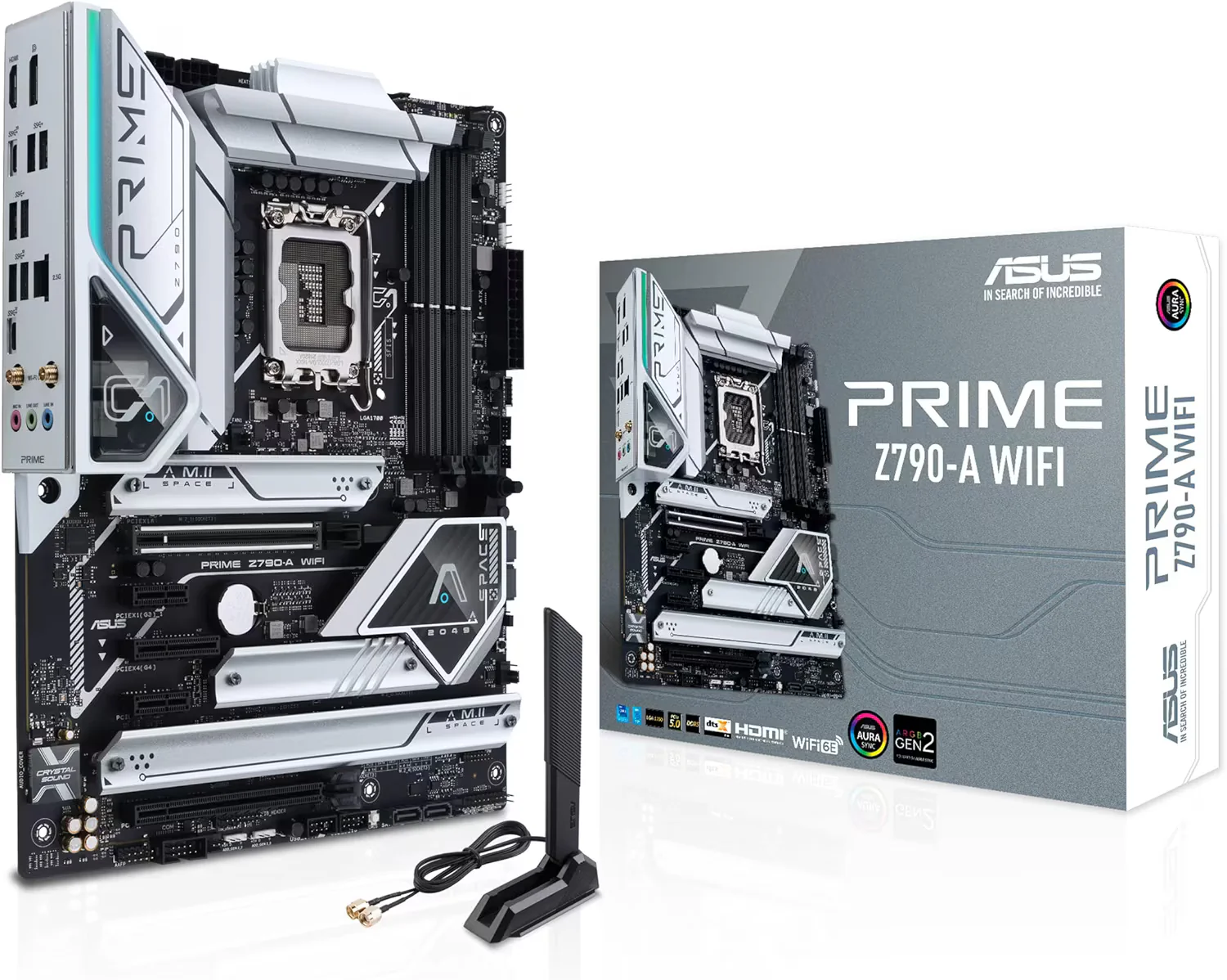
ASUS Prime series motherboards are expertly engineered to unleash the full potential of AMD Ryzen 7000-series processors. Boasting a robust power design, comprehensive cooling solutions and intelligent tuning options, PRIME X670-P provides users and PC DIY builders with a range of performance optimizations via intuitive software and firmware features. Features Include
- AM5 Socket: Ready for AMD Ryzen Desktop 9000*, 8000*, and 7000 Series Processors
- *BIOS Update maybe required when used with AMD Ryzen Desktop 9000 and 8000 Series CPU Processors
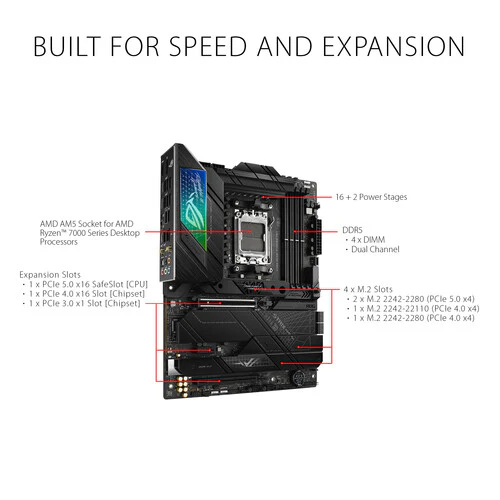
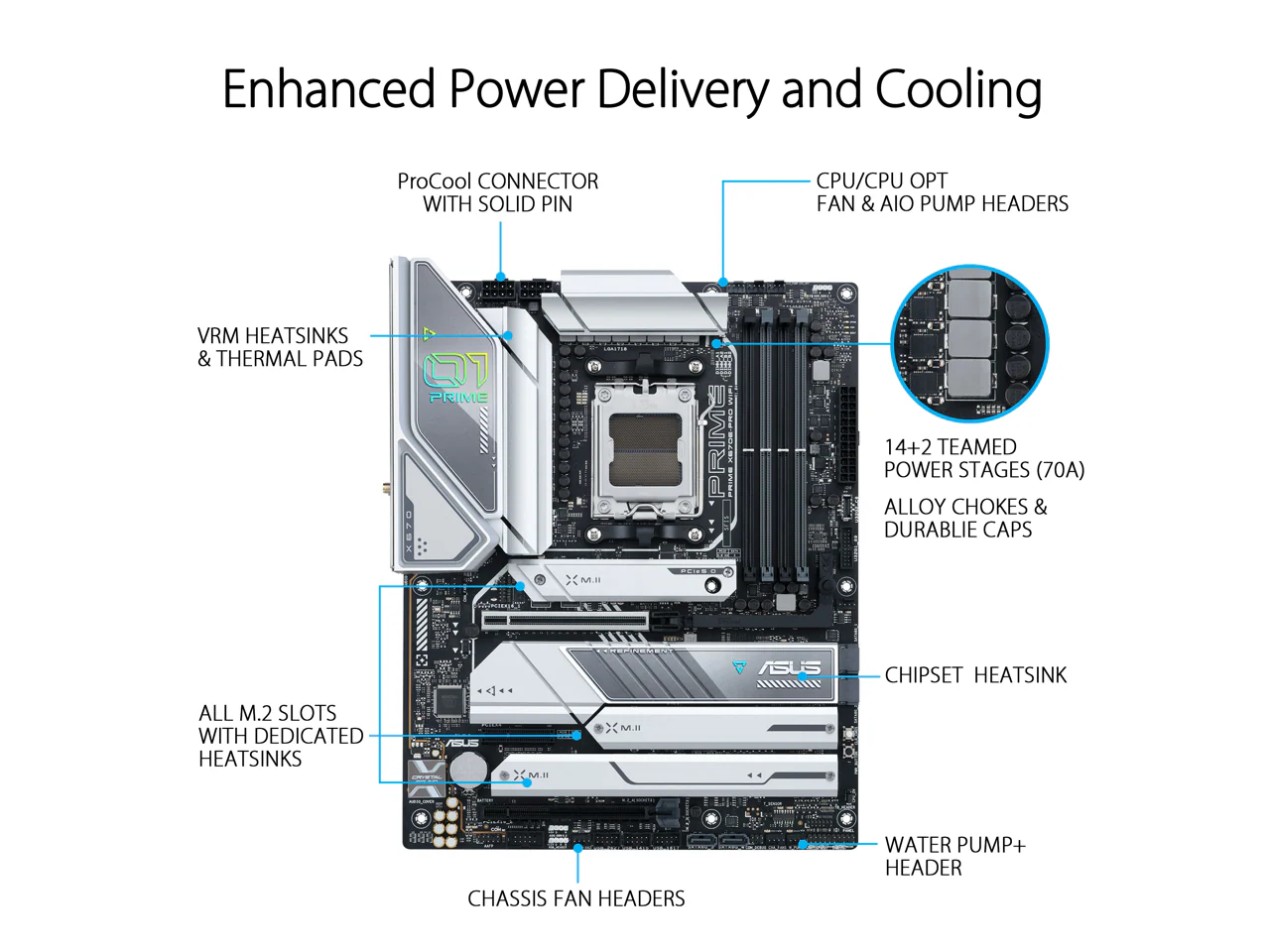
- Enhanced power solution: 12+2 DrMOS, 6-layer PCB, ProCool connectors, alloy chokes and durable capacitors for stable power delivery
- Ultrafast connectivity: M.2 PCIe 5.0, Realtek 2.5Gb Ethernet, USB 3.2 Gen 2x2 Type-C, front panel USB 3.2 Gen 1 Type-C, USB4support
- ASUS OptiMem II: Careful routing of traces and vias, plus ground layer optimizations to preserve signal integrity for improved memory overclocking
- Comprehensive cooling: Large VRM heatsinks, M.2 heatsink, Passive Chipset Heatsink, hybrid fan headers and Fan Xpert 4 with AI Cooling II
- Outshine RGB Aura Effect: Stylish edge lighting design, Addressable Gen 2 headers and Aura RGB headers support
- BIOS FlashBack is the simplest and safest (UEFI) BIOS update method. Simply drop the (UEFI) BIOS file onto a FAT32 formatted USB stick, plug it into the USB BIOS FlashBack port and press the button. Updates can even be performed without a memory or a CPU installed.
More Images


ASUS Prime X670-P Socket AM5 (LGA 1718) Ryzen 7000 ATX Motherboard(DDR5, 3xM.2 Slots, USB 3.2 Gen 2x2 Type-C, USB4 Header, and 2.5Gb Ethernet) (Certified Refurbished)
ASUS Prime series motherboards are expertly engineered to unleash the full potential of AMD Ryzen 7000-series processors. Boasting a robust power design, comprehensive cooling solutions and intelligent tuning options, PRIME X670-P provides users and PC DIY builders with a range of performance optimizations via intuitive software and firmware features. Features Include
- AM5 Socket: Ready for AMD Ryzen Desktop 9000*, 8000*, and 7000 Series Processors
- *BIOS Update maybe required when used with AMD Ryzen Desktop 9000 and 8000 Series CPU Processors
- Enhanced power solution: 12+2 DrMOS, 6-layer PCB, ProCool connectors, alloy chokes and durable capacitors for stable power delivery
- Ultrafast connectivity: M.2 PCIe 5.0, Realtek 2.5Gb Ethernet, USB 3.2 Gen 2x2 Type-C, front panel USB 3.2 Gen 1 Type-C, USB4support
- ASUS OptiMem II: Careful routing of traces and vias, plus ground layer optimizations to preserve signal integrity for improved memory overclocking
- Comprehensive cooling: Large VRM heatsinks, M.2 heatsink, Passive Chipset Heatsink, hybrid fan headers and Fan Xpert 4 with AI Cooling II
- Outshine RGB Aura Effect: Stylish edge lighting design, Addressable Gen 2 headers and Aura RGB headers support
- BIOS FlashBack is the simplest and safest (UEFI) BIOS update method. Simply drop the (UEFI) BIOS file onto a FAT32 formatted USB stick, plug it into the USB BIOS FlashBack port and press the button. Updates can even be performed without a memory or a CPU installed.
Product Information
Product Information
Shipping & Returns
Shipping & Returns
Description
ASUS Prime series motherboards are expertly engineered to unleash the full potential of AMD Ryzen 7000-series processors. Boasting a robust power design, comprehensive cooling solutions and intelligent tuning options, PRIME X670-P provides users and PC DIY builders with a range of performance optimizations via intuitive software and firmware features. Features Include
- AM5 Socket: Ready for AMD Ryzen Desktop 9000*, 8000*, and 7000 Series Processors
- *BIOS Update maybe required when used with AMD Ryzen Desktop 9000 and 8000 Series CPU Processors
- Enhanced power solution: 12+2 DrMOS, 6-layer PCB, ProCool connectors, alloy chokes and durable capacitors for stable power delivery
- Ultrafast connectivity: M.2 PCIe 5.0, Realtek 2.5Gb Ethernet, USB 3.2 Gen 2x2 Type-C, front panel USB 3.2 Gen 1 Type-C, USB4support
- ASUS OptiMem II: Careful routing of traces and vias, plus ground layer optimizations to preserve signal integrity for improved memory overclocking
- Comprehensive cooling: Large VRM heatsinks, M.2 heatsink, Passive Chipset Heatsink, hybrid fan headers and Fan Xpert 4 with AI Cooling II
- Outshine RGB Aura Effect: Stylish edge lighting design, Addressable Gen 2 headers and Aura RGB headers support
- BIOS FlashBack is the simplest and safest (UEFI) BIOS update method. Simply drop the (UEFI) BIOS file onto a FAT32 formatted USB stick, plug it into the USB BIOS FlashBack port and press the button. Updates can even be performed without a memory or a CPU installed.